Free photo collage maker
Make a photo collage in seconds, free
Drop in your photos, pick a layout and download. Our online collage maker runs right in your browser, with no sign-up and no watermark. Want templates, stickers, text and filters? FotoCollage for iPhone has them all.
- No sign-up, no watermark
- 12 layouts, 6 sizes
- Photos stay on your device
Free online collage maker
Add photos, then tap any cell to replace it or drag a photo to reposition it.
Drop photos here or tap a cell
Layout
Size
Background
🔒 Your photos never leave your device.

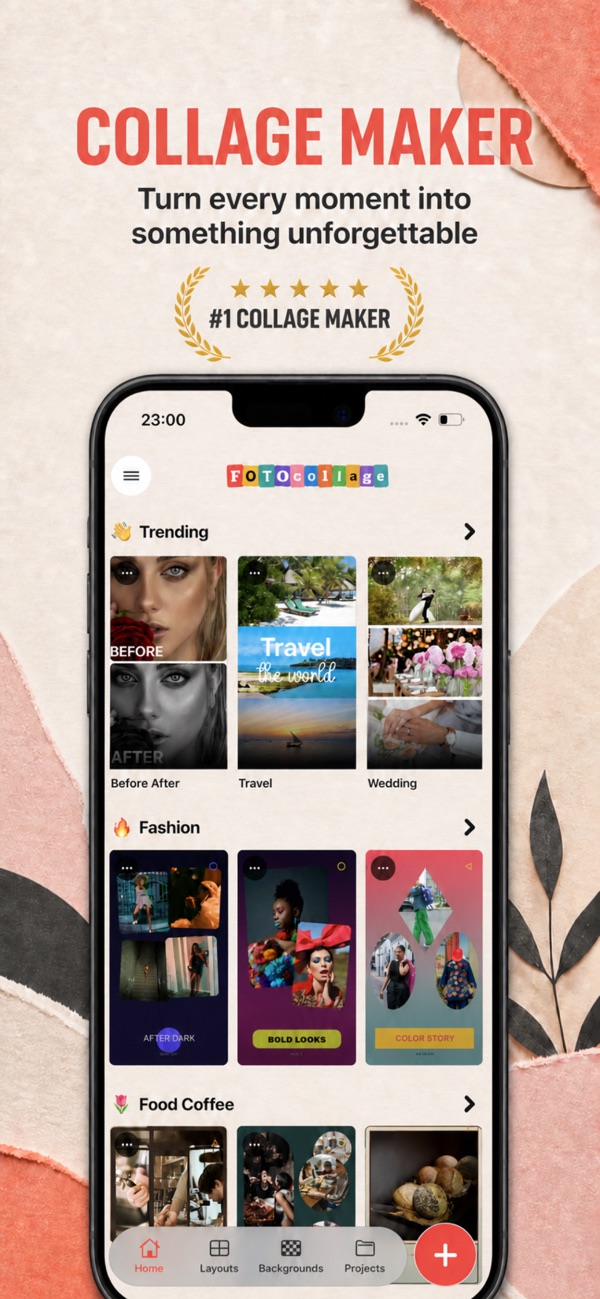
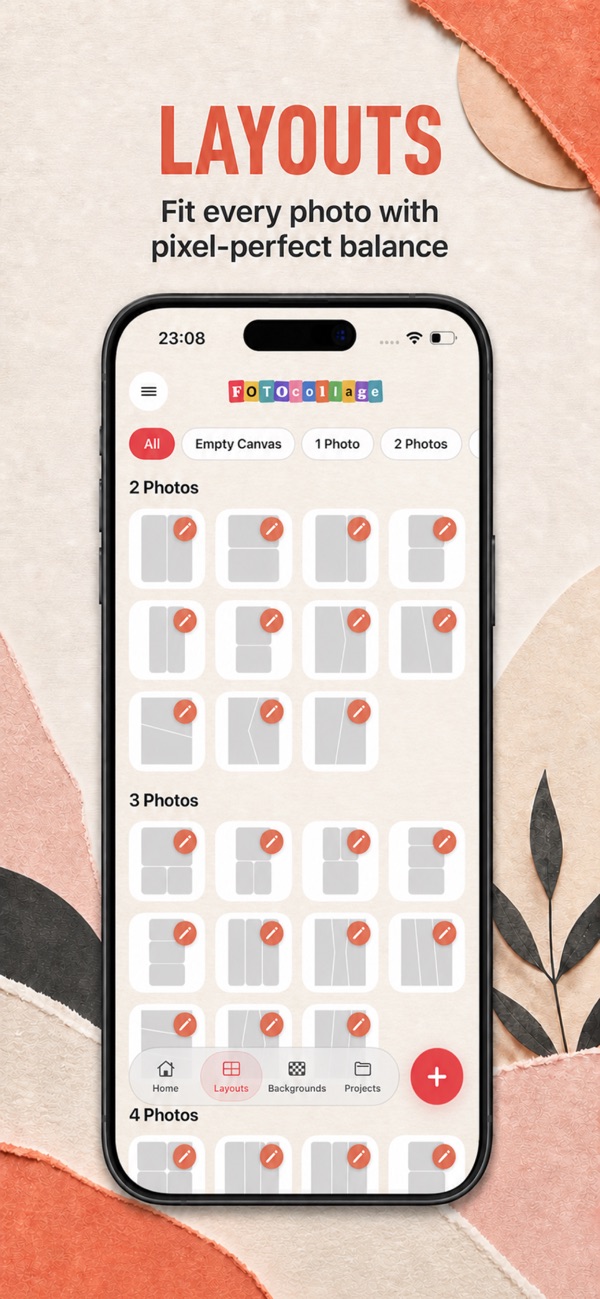
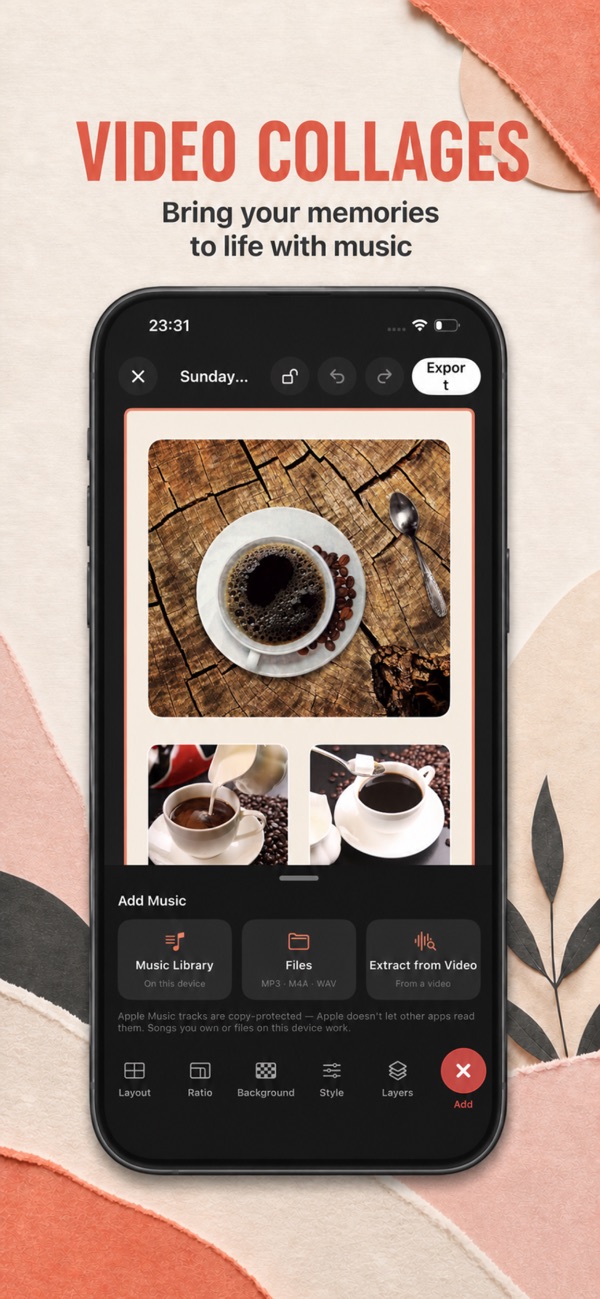
Need more? FotoCollage for iPhone adds creative templates, backgrounds and patterns, frames and shapes, text, stickers, filters and saved projects.
Download on theApp StoreEverything you need for a beautiful collage
Layouts & templates
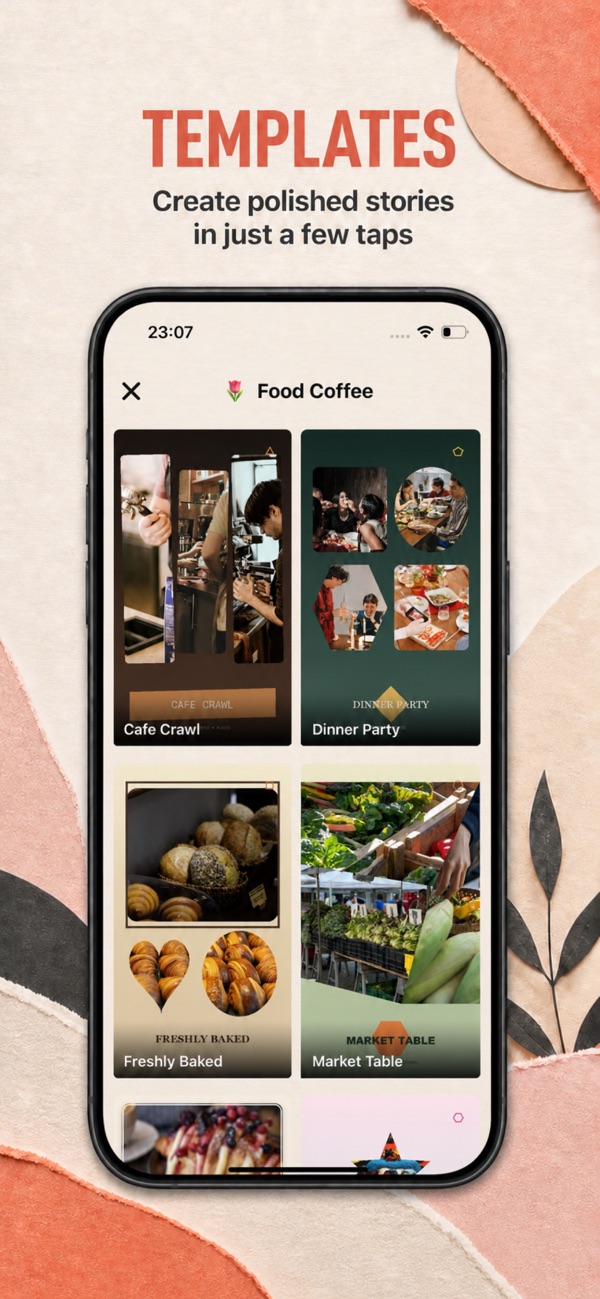
Flexible grid layouts and ready-made creative templates for birthdays, travel, weddings and everyday moments.
Backgrounds & patterns
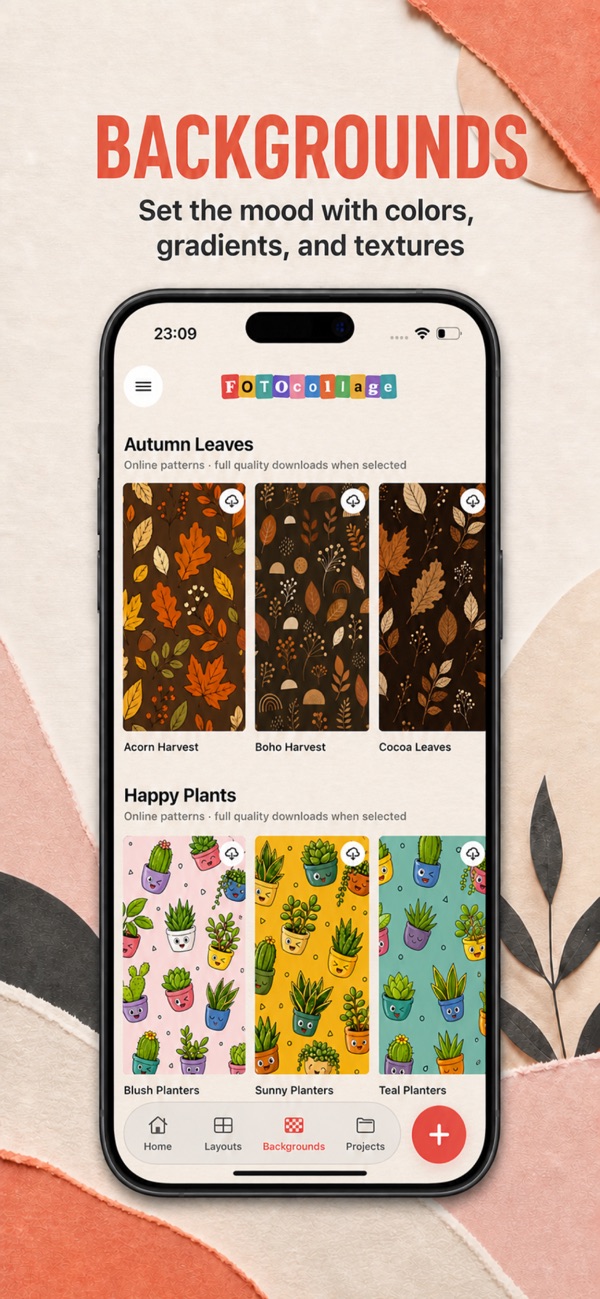
Set the mood with colours, gradients, textures and seasonal patterns behind your photos.
Text & stickers
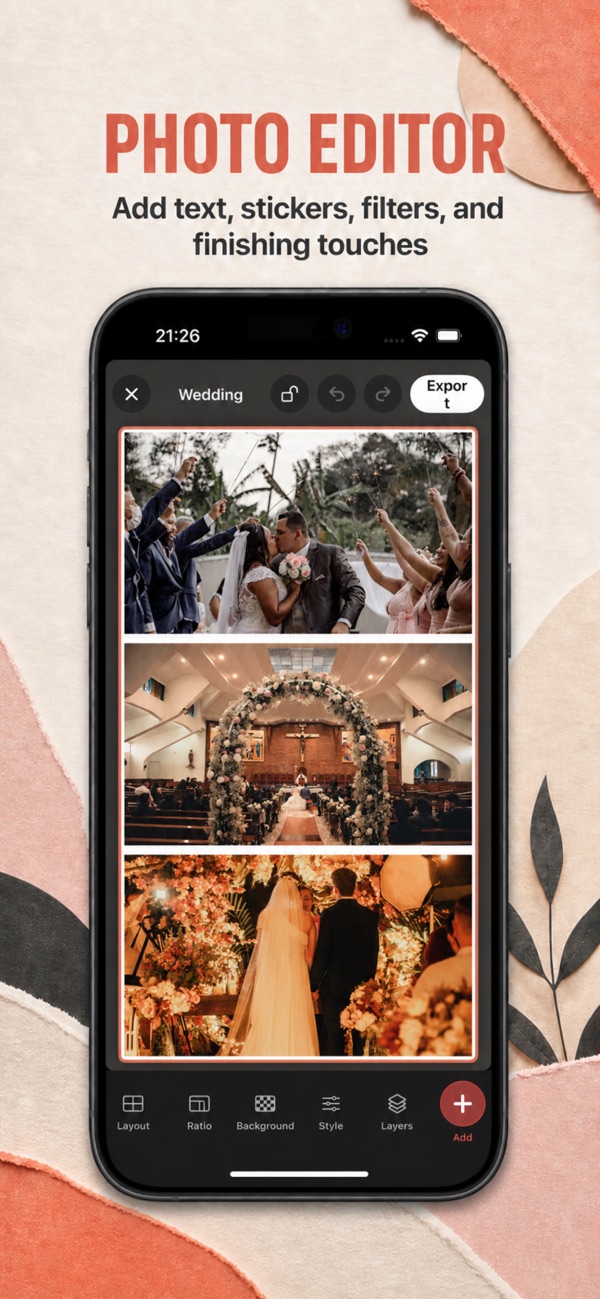
Add captions, names, dates and stickers to make every collage personal.
Filters & effects
Apply filters and creative photo effects so every photo in the layout matches.
Borders & canvas size
Adjust spacing, borders, colours and canvas size for Instagram, stories or prints.
Save & export
Export in high quality and share anywhere, or save the project and keep editing later.
Turn every moment into something unforgettable
Collage guides & ideas
How to Make a Collage on iPhone (Step by Step)
The easiest ways to make a photo collage on iPhone: with a collage app, with a free online maker, and with the built-in Shortcuts app. Plus tips for layouts that look good.
Read guide →How to Make a Photo Collage Online for Free (No Sign-Up)
Make a photo collage online in under a minute, free with no account and no watermark. Step-by-step instructions, the best layouts and tips for sharp downloads.
Read guide →Instagram Collage: Sizes, Layouts and How to Make One
How to make a collage for Instagram posts and stories, with the right sizes (1080×1350, 1080×1920), layout ideas and tips so nothing gets cropped.
Read guide →25 Photo Collage Ideas for Every Occasion
Creative photo collage ideas for birthdays, couples, family, travel, friends and home décor, with the layout to use for each one.
Read guide →Birthday Photo Collage Ideas (and How to Make One)
12 birthday collage ideas for friends, partners, mum, dad and kids, with layouts, caption ideas and step-by-step instructions to make one on your phone.
Read guide →How to Make a Photo Grid (2, 4, 6 or 9 Photos)
How to put photos into a neat grid on iPhone or online: which grid to use, the best sizes for social media and print, and tips for a clean result.
Read guide →How to Make a Photo Booth Strip (Free)
Make a classic photo booth strip from your own photos: the right size, layout and styling, free online or on iPhone.
Read guide →How to Make a Polaroid Collage
Create the polaroid photo look, with white frames, captions and a scattered layout, for Instagram, gifts or printing.
Read guide →Anniversary Photo Collage Ideas
Romantic anniversary collage ideas for 1, 5, 10 or 25 years, with layouts, caption ideas and how to print and gift it.
Read guide →Graduation Photo Collage Ideas
Graduation collage ideas for high school and university: first day vs. last day, friends, the year in photos and party displays, with layouts and captions.
Read guide →Photo Collage Sizes for Instagram, Stories and Prints
The right pixel size for every collage: Instagram, stories, WhatsApp, Facebook, and print sizes from 4×6 to 24×36 at 300 dpi.
Read guide →Best Collage Apps for iPhone (2026)
An honest comparison of the best photo collage apps for iPhone: FotoCollage, PicCollage, Canva, Adobe Express, Google Photos and the free built-in options.
Read guide →Frequently asked questions
Is this collage maker really free?
Yes. The online collage maker on this page is free, needs no account and adds no watermark. The FotoCollage app for iPhone is also free to download.
Are my photos uploaded anywhere?
No. The online collage maker builds your collage inside your browser. Your photos are never uploaded to a server.
How do I make a collage on my iPhone?
Download FotoCollage: Collage maker, tap the plus button, choose a layout or template, add photos from your library, then style it with backgrounds, text and stickers and export it in high quality.